Post Effects
Supported for playables built on plugin from version 7.1.0 and only on WebGl 2
Overview
Post effects are image-processing techniques applied to the final rendered frame to enhance visual quality adding depth, atmosphere, and polish that would be costly or impossible to achieve with geometry alone. They significantly improve the perceived realism and mood of a scene with relatively low performance cost, making them essential for creating professional-looking playables.
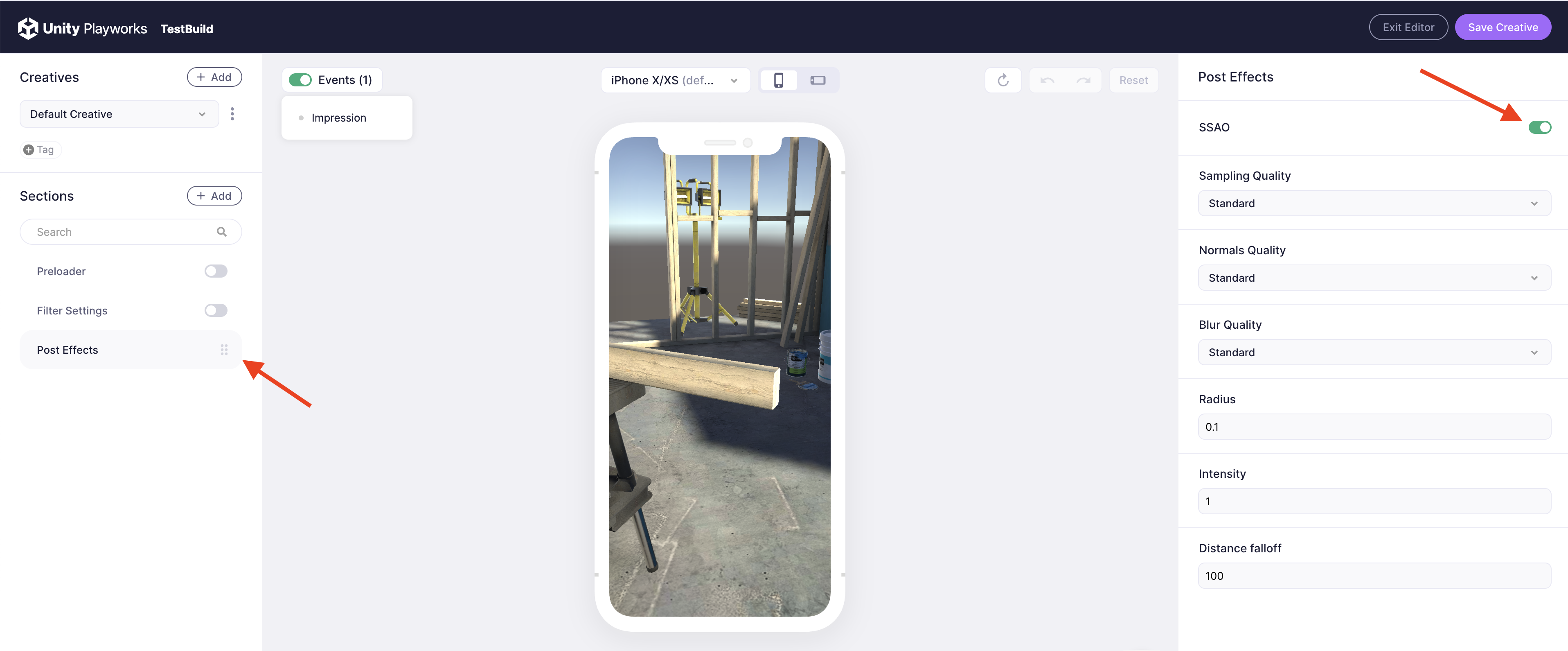
To start using Post Effects we need to go to Post Effects section and enable the checkbox of the target effect. Once it's enabled, we'll see the list of options, that we able to set up.
More info about supported effects read on dedicated page, please.
Examples
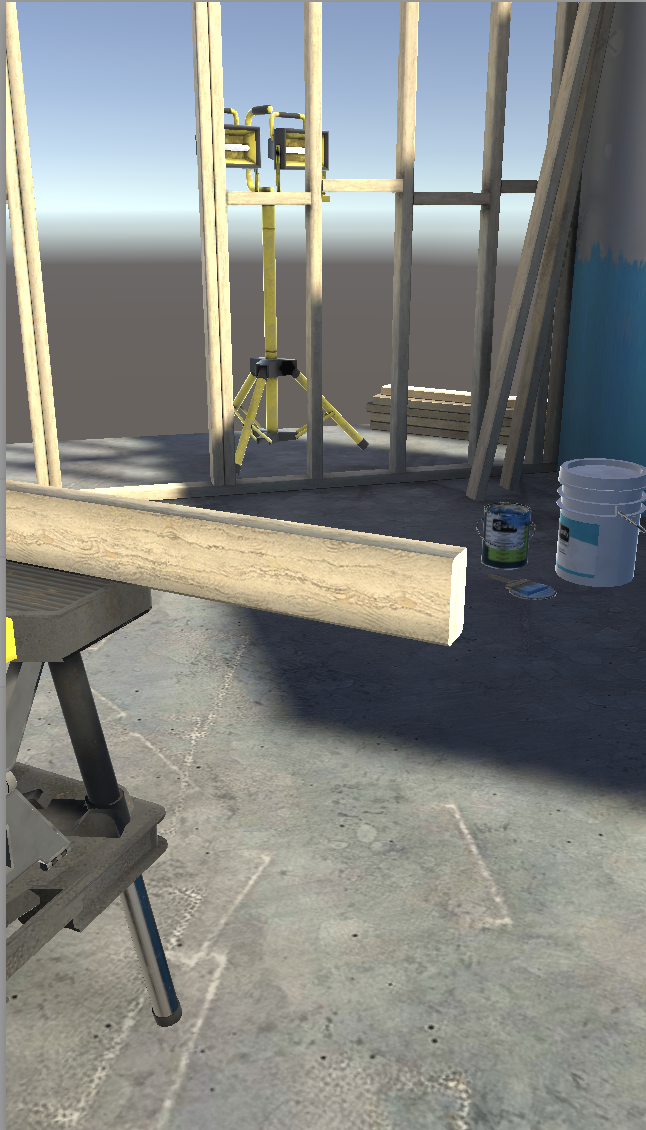
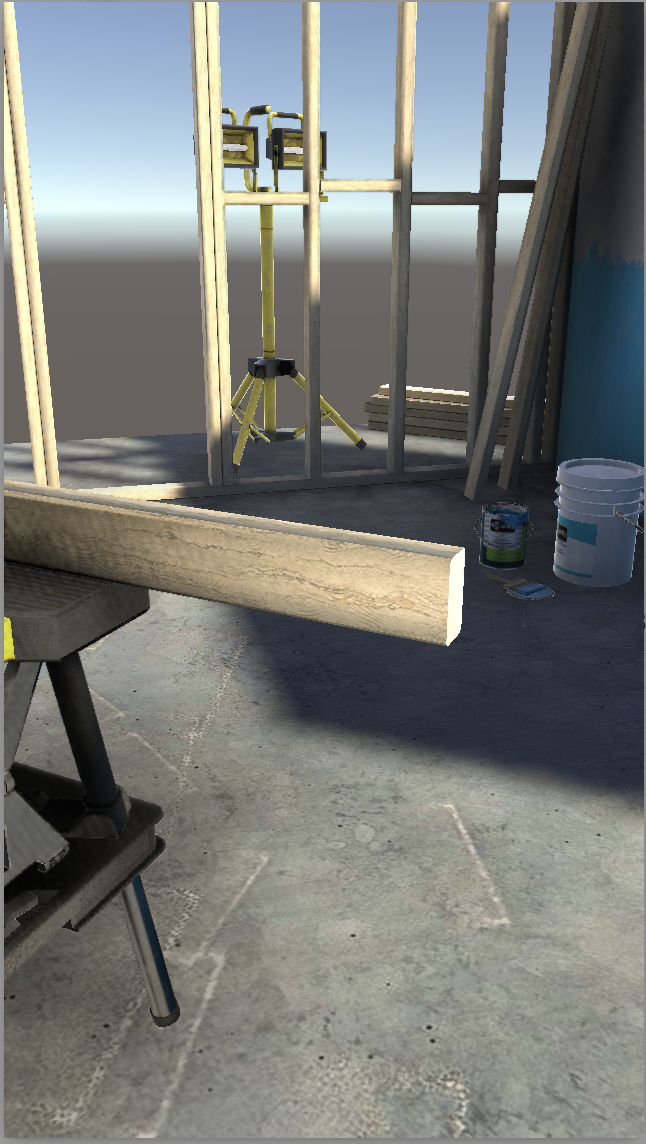
Here is the list of examples demonstrating post process effects
- No Effects
- SSAO Enabled